The Next Phase of Clinical Mobility: Connecting Care with Purpose-Engineered Medical Tablets 

Healthcare organizations have invested heavily in digital transformation, from electronic medical records and connected medical devices to mobile workstations and hospital-wide information systems. Yet the next phase of clinical mobility is not simply about adding more technology.

It is about making technology work more naturally within the way clinicians deliver care.

Recent research from VDC Strategy highlights a shift in healthcare mobility from basic device deployment toward broader workflow modernization. Healthcare organizations are looking for ways to reduce fragmented processes, improve communication, strengthen care coordination, and give clinical teams greater access to information wherever care is taking place.

For hospitals and healthcare systems, purpose-engineered medical tablets can play an important role in making that transition possible.

Bringing Digital Workflows Closer to the Patient

Clinical teams rarely work from one location. Nurses move between patient rooms, nursing stations, medication areas, and diagnostic departments. Physicians may review patient records at the bedside, collaborate with specialists, or move between multiple areas of a hospital during a shift.

Mobile computing allows critical information to move with them.

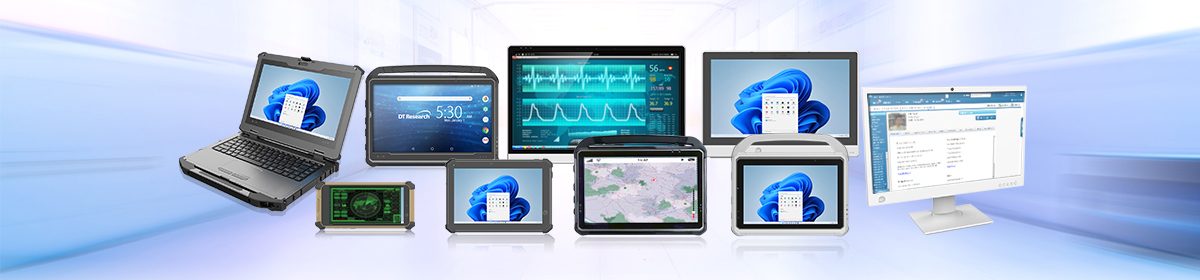
DT Research Medical Tablets are designed specifically for healthcare environments, providing clinicians with portable access to patient information, clinical applications, and data capture capabilities at the point of care. Available models include options such as

  • integrated barcode scanning
  • RFID/NFC readers
  • cameras, smart card readers
  • wireless connectivity

Helping healthcare organizations consolidate multiple workflow requirements into a single mobile platform. Instead of returning to a fixed workstation for every task, clinicians can access and document information closer to the patient.

Designed for the Realities of Healthcare

Consumer mobile devices may offer portability, but clinical environments introduce additional requirements.

DT Research Medical Tablets are available with antimicrobial enclosures and models certified to ANSI/AAMI ES60601-1 medical electrical equipment standards. Select medical tablets also feature IP65-rated protection and MIL-STD-810H certification for durability.

These design characteristics support deployment throughout hospitals, clinics, mobile healthcare environments, and other demanding settings where devices may be moved frequently and cleaned repeatedly.

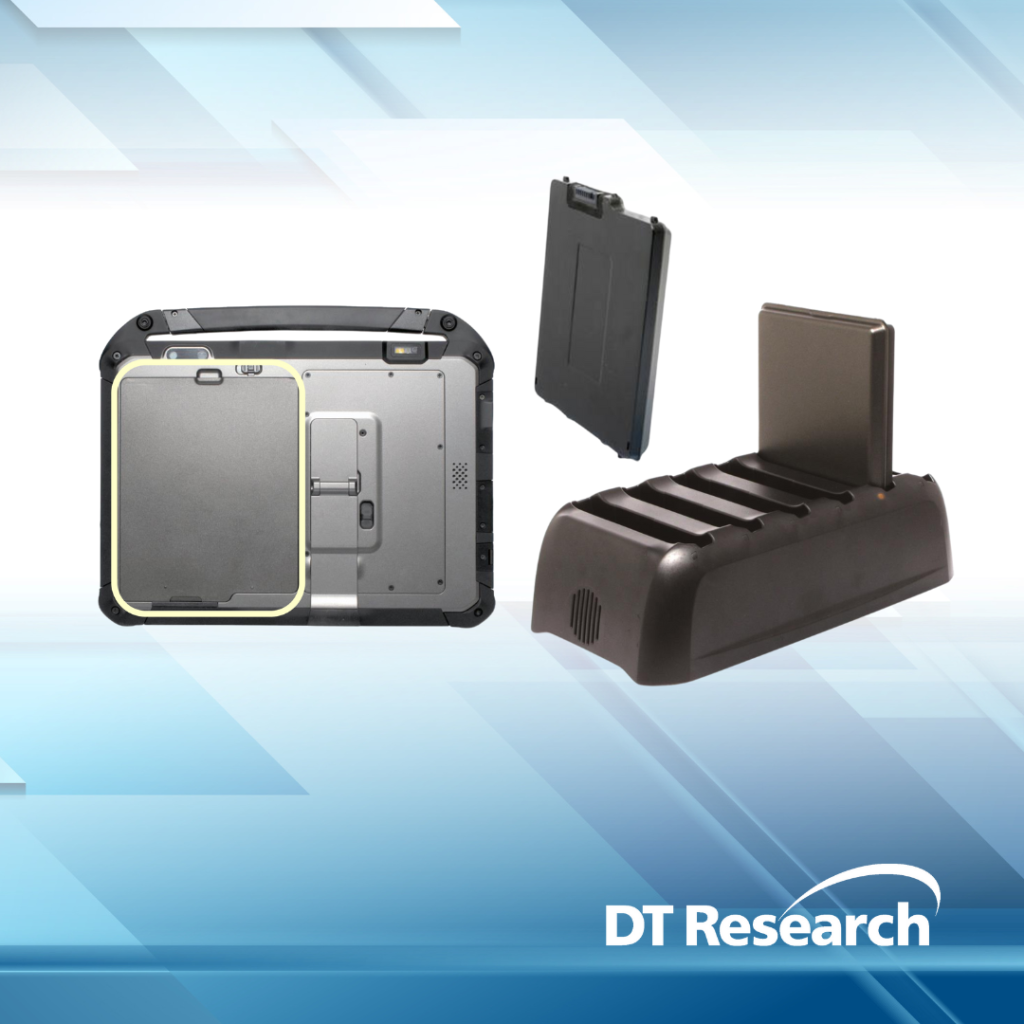
Battery performance is equally important. DT Research models offer 10”, 13”, 16″, and 17” touch displays and incorporate hot-swappable battery designs, allowing batteries to be replaced while maintaining continuous operation. This helps reduce workflow interruptions during extended clinical use.

Supporting More Connected Clinical Operations

The evolution of clinical mobility also extends beyond individual clinicians.

Medical tablets and mobile workstations increasingly serve as connection points between healthcare professionals, electronic medical records, hospital information systems, diagnostic platforms, inventory systems, and other clinical resources.

Integrated barcode and RFID capabilities can support workflows such as patient identification, medication verification, specimen tracking, and medical asset management. Wireless connectivity allows information captured at the point of care to flow back into clinical systems without relying on disconnected paper processes or delayed manual entry.

The result is a more connected clinical environment where information can follow the workflow rather than requiring the workflow to follow the computer.

Moving Clinical Mobility Forward

As healthcare organizations continue modernizing point-of-care operations, mobility strategies will increasingly be measured by how well they support clinicians rather than simply how many devices are deployed.

Purpose-engineered medical computing provides the foundation for that shift.

With medical tablets, medical cart computers, all-in-one systems, and other healthcare computing solutions, DT Research helps healthcare organizations build flexible technology environments designed around mobility, reliability, secure access to information, and continuity of care.

The next phase of clinical mobility is about connecting people, systems, and information wherever care happens. DT Research is building the technology designed to move with it.

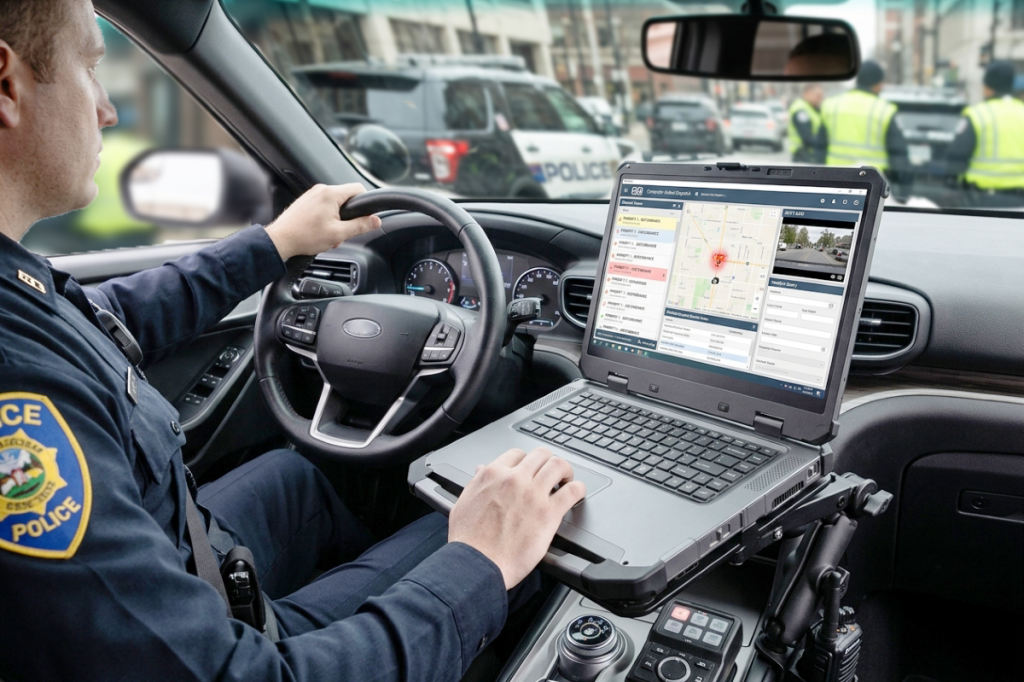
Why Fleet Modernization Demands Purpose-Engineered Hardware in the Cab

The commercial fleet industry is undergoing a massive transformation. Rapid advancements in vehicle connectivity, predictive maintenance, and telematics are giving fleet operators unique visibility into their day-to-day operations. In an industry report highlighting current trends and challenges in vehicle fleet management, industry experts mapped out the shift toward 5G connectivity, driver assistance technologies, electric vehicle (EV) integration, and the ongoing struggle with driver retention and rising operational costs.

Continue reading “Why Fleet Modernization Demands Purpose-Engineered Hardware in the Cab”

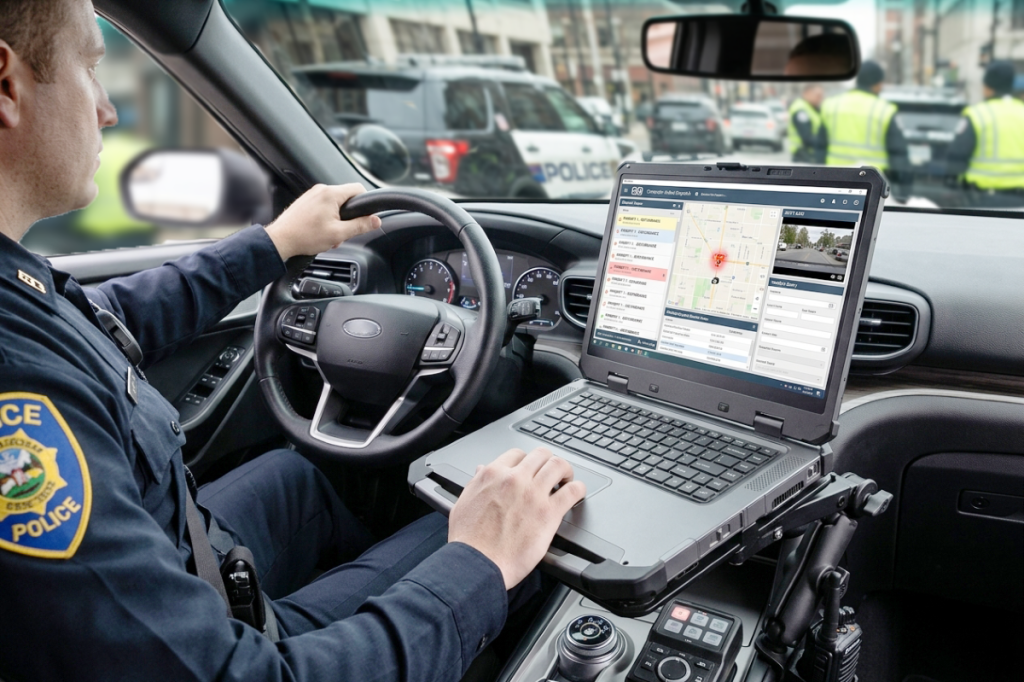
Securing Modern Military Operations: Why Cross-Domain Mobility Matters 

Over the centuries, the military’s tactical landscape has changed enormously. Military leaders and tactical commanders no longer face isolated threats; they operate in an interconnected environment spanning the air, land, sea, space, and cyber domains.

Continue reading “Securing Modern Military Operations: Why Cross-Domain Mobility Matters “

Building a Data-Aware, Proactive Digital Health Ecosystem with Medical Tablets

Healthcare digital transformation is entering a new phase. Hospitals have spent years digitizing medical records, reducing paper-based processes, streamlining data entry, and implementing electronic workflows. Now, the opportunity is to take the next step by putting that information to work more effectively at the point of care.

Continue reading “Building a Data-Aware, Proactive Digital Health Ecosystem with Medical Tablets”

How to Identify and Safely Handle a Damaged Lithium-Ion Battery 

Lithium-ion batteries power mobile devices across healthcare, government, logistics, manufacturing, and field operations. But unlike the device itself, a battery is a consumable component. Every charge cycle, period of storage, temperature fluctuation, and year of use gradually affects battery health.

Because much of this degradation happens internally, an unhealthy battery may not immediately appear damaged. Recognizing the warning signs early and establishing proper battery inspection and replacement procedures can help organizations protect employees, equipment, and operational uptime.

What Causes Lithium-Ion Battery Damage?

Battery degradation is a normal part of the battery lifecycle, but several factors can accelerate the process:

  • Normal aging and charge cycles: Every lithium-ion battery has a finite useful lifecycle.
  • Physical damage: Drops, impacts, or damage to the casing can compromise internal components.
  • Temperature extremes: Prolonged exposure to excessive heat or cold can affect battery health and performance.
  • Improper storage: Batteries stored for extended periods under unfavorable environmental or charge conditions may degrade faster.
  • Charging practices: Keeping batteries fully charged for extended periods, allowing them to remain deeply discharged, or using incompatible charging equipment can create additional stress.
  • Manufacturing defects: Internal defects can occasionally result in premature battery failure.

For organizations managing fleets of rugged tablets and medical all-in-one computers, battery maintenance should be treated as part of overall device lifecycle management.

How to Identify a Damaged Battery

A battery showing physical abnormalities or unusual operating behavior should never be ignored.

Common warning signs include:

  • Swelling or bulging
  • Cracked or separated casing
  • Discoloration or corrosion
  • Leaking fluid
  • Unusual heat
  • Rapid battery drain
  • Unexpected device shutdowns
  • Erratic or unsuccessful charging
  • Unusual chemical or burning odors
  • Hissing or popping sounds

A swollen battery may push against the device enclosure or prevent the battery from sitting properly within its compartment. If any of these conditions occur, discontinue use and charging immediately.

How to Safely Handle a Damaged Battery

A battery that is swollen, leaking, overheating, cracked, or otherwise damaged should not be returned to normal operation.

When it is safe to do so:

  • Stop charging or using the battery immediately.
  • Disconnect the device from external power.
  • Keep the battery away from combustible materials, other batteries, metal objects, and direct sunlight.
  • Move people away if the battery is overheating, smoking, venting, or making unusual sounds.
  • Follow the device manufacturer’s battery handling and safety instructions.

Never puncture, crush, bend, open, or attempt to repair a swollen or damaged lithium-ion battery.

Proper Battery Disposal

Lithium-ion batteries should never be placed in regular trash or standard recycling containers. Damaged batteries can create a fire hazard during collection, transportation, and processing.

Instead, organizations should follow manufacturer guidance and use an appropriate battery recycling, hazardous waste, or certified e-waste facility. Businesses managing large device fleets should also establish a documented process for identifying, isolating, tracking, and disposing of damaged batteries.

What Should You Do if a Battery Begins Smoking or Catches Fire?

An overheating lithium-ion battery can enter a condition known as thermal runaway, which can result in venting, fire, or additional battery cells becoming involved.

If a battery begins smoking, venting, or burning:

  • Alert others in the area.
  • Evacuate to a safe location.
  • Contact emergency services.
  • Avoid breathing fumes or gases.
  • Do not attempt to pick up or move an actively burning battery.
  • Follow established facility emergency procedures.

Battery fires can reignite even after the visible fire appears controlled, so emergency response should be left to trained personnel.

Prevention Starts With Battery Fleet Management

Organizations deploying rugged tablets and medical all-in-one computers across demanding environments should incorporate battery health into routine fleet maintenance. Preventative measures can include:

  • Using manufacturer-approved charging equipment
  • Following recommended charging and storage practices
  • Avoiding prolonged exposure to extreme temperatures
  • Inspecting batteries periodically
  • Tracking battery age and usage
  • Removing questionable batteries from circulation
  • Establishing planned replacement schedules
  • Using battery monitoring and fleet management tools when available

For operations where device uptime is critical, hot-swappable battery designs can provide an additional advantage by allowing batteries to be replaced while helping maintain continuous device operation.

Battery Health Is Part of Device Reliability

Rugged tablets and medical all-in-one computers may be precision engineered for years of use, but their batteries operate on a different lifecycle. Treating batteries as consumable components helps organizations recognize developing problems, plan replacements, and maintain a safer, more dependable mobile technology fleet.

Regular inspection, proper charging and storage practices, responsible recycling, and proactive battery fleet management can help support consistent performance, workforce productivity, and operational readiness.